
A North Texas thermostat has a tougher job than most. It may be fighting triple-digit summer heat one month and protecting your family from a hard freeze the next. The best thermostat settings Texas homeowners use are not about picking one magic number and never touching it. They are about matching your schedule, home, humidity level, and HVAC system to the weather outside.
For many homes around Celina, Van Alstyne, and the Dallas-Fort Worth area, a few thoughtful adjustments can improve comfort without making the air conditioner or furnace work harder than necessary. The goal is dependable comfort, sensible energy use, and fewer surprises when Texas weather turns extreme.
Best Thermostat Settings Texas Homes Need in Summer
For a typical occupied home, 78 degrees is a practical summer starting point. It reduces the difference between your indoor temperature and the intense heat outdoors, which helps limit how long your AC must run. If 78 feels warmer than your household prefers, try 76 or 77 degrees before making a larger change.
Every degree lower in the summer asks more of your air conditioner. Setting the thermostat at 70 when it is 102 outside will not cool the house faster. Most systems cool at a steady rate, so the lower setting simply keeps the equipment running longer after the desired temperature has been reached. That can increase energy costs and place additional strain on an already hard-working system.
When the house is empty for several hours, raise the temperature by 4 to 7 degrees. A setting around 82 to 85 degrees is reasonable for many households while people are at work, school, or away for the day. If you have pets, sensitive electronics, an older home, or concerns about indoor humidity, a smaller adjustment may make more sense. Comfort and property protection should always guide the final number.
At night, many families sleep better around 72 to 76 degrees. A cooler bedroom can be worthwhile, especially if bedrooms are upstairs or receive afternoon sun. Rather than cooling the entire home far below your daytime setting, consider ceiling fans, closed blinds, and a gradual scheduled temperature change before bedtime.
Humidity changes the answer
Texas heat can feel far worse when indoor humidity is high. A home at 76 degrees with excess moisture can feel sticky, while a properly dehumidified home at 78 degrees may feel comfortable. Your air conditioner removes some moisture as it cools, but oversized equipment, short cycling, dirty filters, duct problems, and drainage issues can interfere with that process.
If your home feels clammy even though the thermostat looks right, lowering the setting may not solve the real issue. It may be time to have the system inspected. Addressing airflow, maintenance, or humidity control can improve comfort without forcing your thermostat lower all summer.
Winter Settings for North Texas Cold Snaps
Winter in North Texas is usually milder than summer, but freezing temperatures can arrive quickly. When you are home and awake, 68 degrees is a dependable starting point for heating. Many households are comfortable between 68 and 70 degrees, particularly when they dress for the season and use ceiling fans correctly.
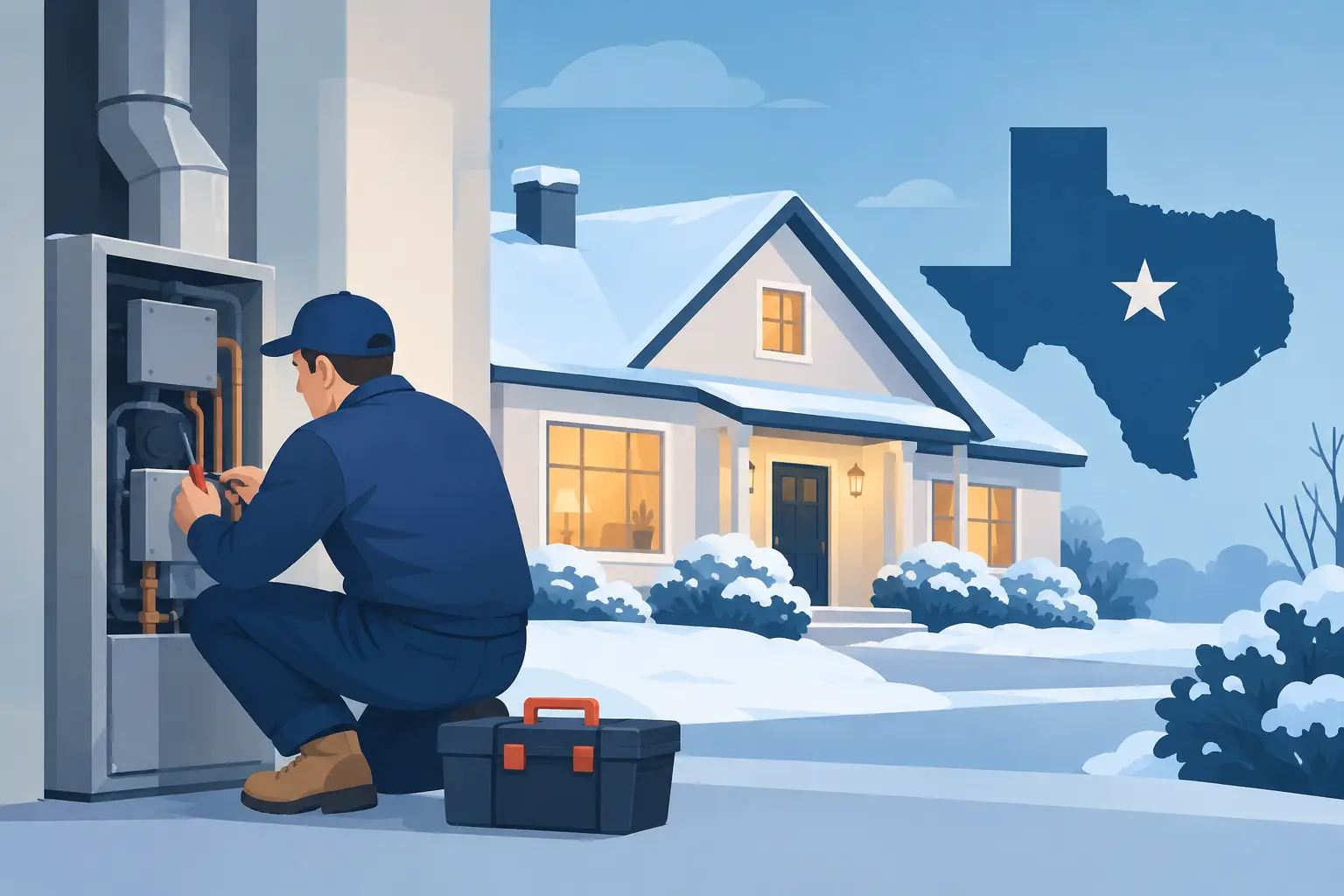
For sleeping hours or times when the home is empty, reducing the setting by a few degrees can save energy. A range of 62 to 65 degrees often works well overnight, provided everyone in the household is comfortable. During an extended absence, do not turn the heat off. Keeping the home around 60 degrees can help protect plumbing during cold weather, although homes with exposed pipes, crawl spaces, or known cold spots may need a higher setting.
When a hard freeze is forecast, open cabinet doors below sinks on exterior walls and follow any property-specific freeze-prevention steps your home requires. A thermostat setting cannot solve every plumbing risk, but steady indoor heat gives your home an important layer of protection.
Avoid turning the heat sharply up in the morning in hopes of warming the house faster. As with cooling, most HVAC systems heat at a set capacity. A reasonable schedule that raises the temperature before your household wakes up is more efficient and more comfortable than repeatedly overriding the thermostat.
Use Schedules Instead of Constant Adjustments
A programmable or smart thermostat can be helpful, but it does not need to be complicated. The best schedule is one your family will actually use. Set a comfortable temperature for occupied hours, a modest setback while you sleep, and a higher summer or lower winter setting while the house is vacant.
In the summer, you might schedule 78 degrees while home, 82 degrees during work hours, and 74 degrees before bedtime. In winter, you might use 68 degrees during occupied hours and 64 degrees overnight. These are starting points, not rules. A well-insulated newer home may hold temperatures easily, while an older home with sun-facing windows may need a different approach.
Make changes gradually. Moving your setting one degree at a time gives you a better sense of what affects comfort and utility use. It also helps you spot when a problem is not really a thermostat problem.
Keep the fan set to Auto
For most homes, the thermostat fan should stay on Auto. In this mode, the blower runs only when the system is actively heating or cooling. This reduces electricity use and allows moisture on the indoor coil to drain away after a cooling cycle.
The On setting keeps the fan running continuously. That can help circulate air in a home with uneven rooms, but it may also raise humidity and energy use during summer. If one room is consistently too hot or too cold, there may be an airflow, insulation, duct, or equipment issue worth investigating instead of running the fan all day.
Thermostat Guidance for Texas Businesses
Commercial properties have different needs because occupancy, equipment, windows, and operating hours vary widely. Many offices and small businesses find that 76 to 78 degrees during summer business hours provides a fair balance between employee comfort and energy use. In winter, 68 to 70 degrees is common.
A vacant business can usually use wider setbacks, but do not ignore heat-producing equipment, server rooms, inventory requirements, or early staff arrival times. Restaurants, medical offices, retail spaces, and workshops often need customized scheduling and zoning. One thermostat setting may not serve every area of the building fairly.
Facility managers should also remember that frequent comfort complaints can reveal a maintenance concern. Dirty filters, blocked vents, failing capacitors, refrigerant problems, and poor airflow can make certain spaces uncomfortable even when the thermostat is set correctly. Raising or lowering the setpoint may temporarily quiet complaints while the underlying issue grows worse.
When a Good Setting Still Does Not Feel Good
If your system runs constantly but cannot hold the temperature, do not keep lowering the thermostat. Check the filter, make sure supply vents are open, and clear leaves or debris from around the outdoor unit. Close blinds on sunny windows and avoid using heat-producing appliances during the hottest part of the afternoon when possible.
Then pay attention to the warning signs: warm air from vents, ice on refrigerant lines, unusual sounds, weak airflow, water near the indoor unit, or rapidly rising utility bills. These can point to a repair need rather than a thermostat issue. A repair-first evaluation can help determine whether a straightforward fix, maintenance visit, or longer-term equipment plan makes the most sense for your budget.
Custom Climates believes comfort advice should fit the home or business in front of us, not a generic sales script. If your thermostat settings seem reasonable but your space still feels uncomfortable, a professional inspection can identify what your system needs before a Texas heat wave or winter cold snap puts it to the test.
The right thermostat setting is the one that keeps your people comfortable, protects your property, and lets your HVAC system do its job without being pushed beyond its limits.


Leave A Comment